
Search for media and manage your library account
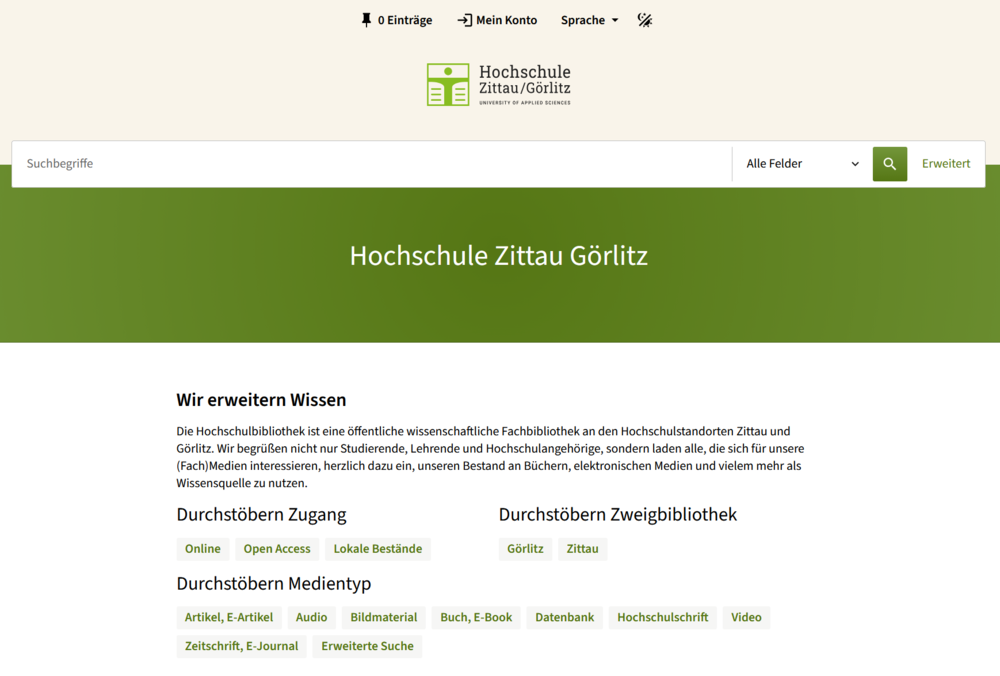
In the University Library’s online catalog, you can search the University Library’s collection, access your user account, create your own search lists, and much more. To help you make the most of our catalog for your needs, we’d like to introduce you to the most important existing and new features.
You can start searching the catalog either through the search bar on our homepage or by going directly to the catalog.
To display search results, you can configure the following settings:
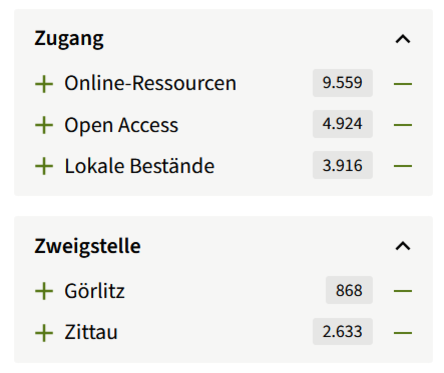
Of course, you can also filter the search results—for example, whether you’re looking only for local holdings (i.e., physical media on-site, such as books, DVDs, etc.) or only online resources (e.g., eBooks or online articles), or whether you’re specifically looking for items at one of the branches in Zittau or Görlitz, and much more. You can select and deselect multiple filters.
Search results can be saved to the clipboard individually or as a group (up to 20 entries per session; this is possible even without logging in), saved as a favorites list, or exported to Citavi, sent via email, or printed.
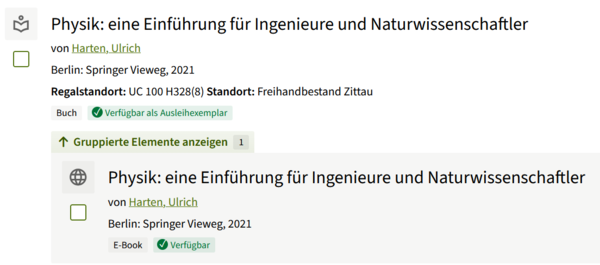
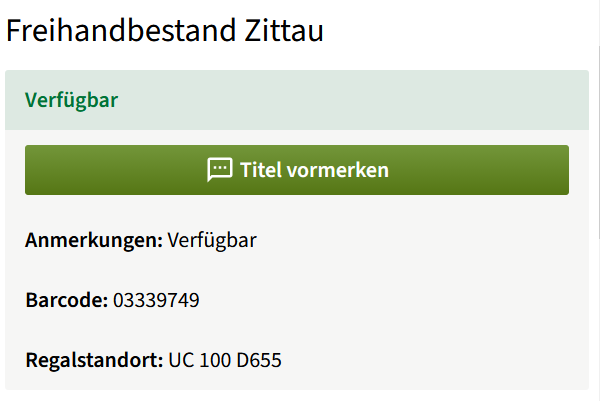
Clicking on one of the search results opens the item view. Here you’ll find bibliographic data (title, edition, author, etc.) and information about the item in the collection. First, you’ll see whether the title is available at the Zittau and/or Görlitz library, and whether it’s located in the open stacks or in the stacks. A green “Available” label indicates that the item can be checked out immediately. You’ll find the exact location listed under “Shelf Location.” If you have any questions, feel free to contact our library staff at the circulation desk at any time.
You can place a hold on books that are currently checked out, as well as books from another location or from the stacks that are not freely accessible. Items ordered from another location are usually ready for pickup at the pickup branch the next business day. Transfers between branches are free of charge and available to all user groups. We always notify you by email as soon as the items are ready for pickup. The “Reserve” button in the catalog is also located on the item details page. If there are multiple copies of a title, only one reservation is processed in the system.
You can log in to the personal area using your library number (located on the back of your Student Card or library card) and your password. After logging in for the first time, please set a personal password via the “Change Password” menu item.
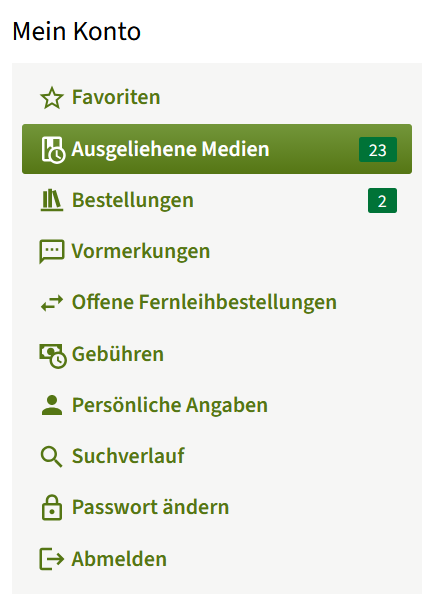
In your library account, you can view items you’ve checked out, renew them all at once or individually, and view your orders, holds, and interlibrary loan requests. Any fees incurred are also displayed.
To update your personal information—for example, after moving—please contact the library staff.
If you have any further questions about the functionality of the online catalog, please feel free to contact:
Fanny Amhaus
fanny.amhaus(at)hszg.de / +493583 6124214
If you have any questions regarding research, please feel free to contact:
Katrin Müller
katrin.mueller(at)hszg.de / +493583 6124228