
New interface released!
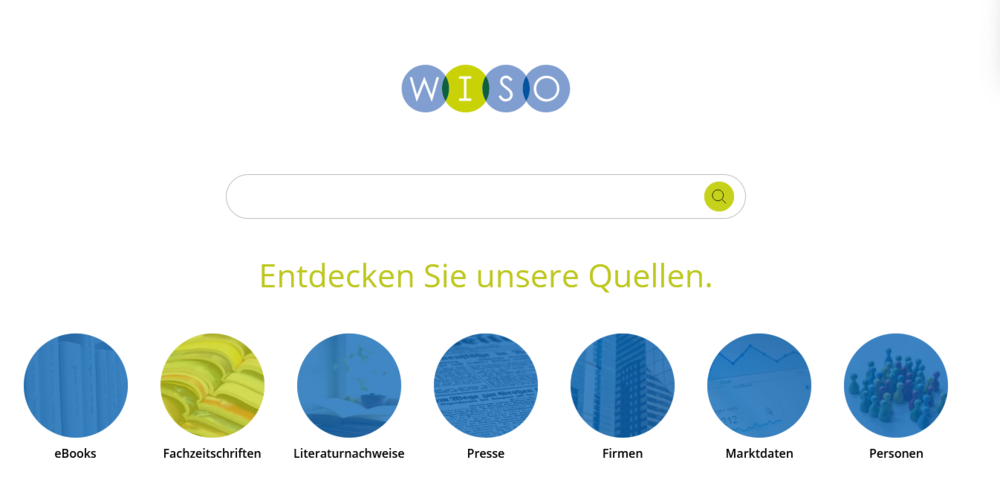
The WISO database licensed by HSB has a new interface.
In addition to a new design, direct access to the content has been simplified. You can browse through the content without entering search terms in the database by selecting a media type and navigate more easily through the sources or use filter options.
The search with thesauri is now carried out directly in the bibliographic references media type. After entering a search term in the search slot, the "Thesauri" function can be selected on the left-hand side by choosing the desired thesaurus.
The option advanced search is still available and can be accessed by clicking on the magnifying glass in the search slot or is displayed in the hit list on the left-hand side.
An overview of all new features can be found in the relaunch guide.
All search functions, database content, links and personal settings such as watch lists and monitoring remain unchanged.