
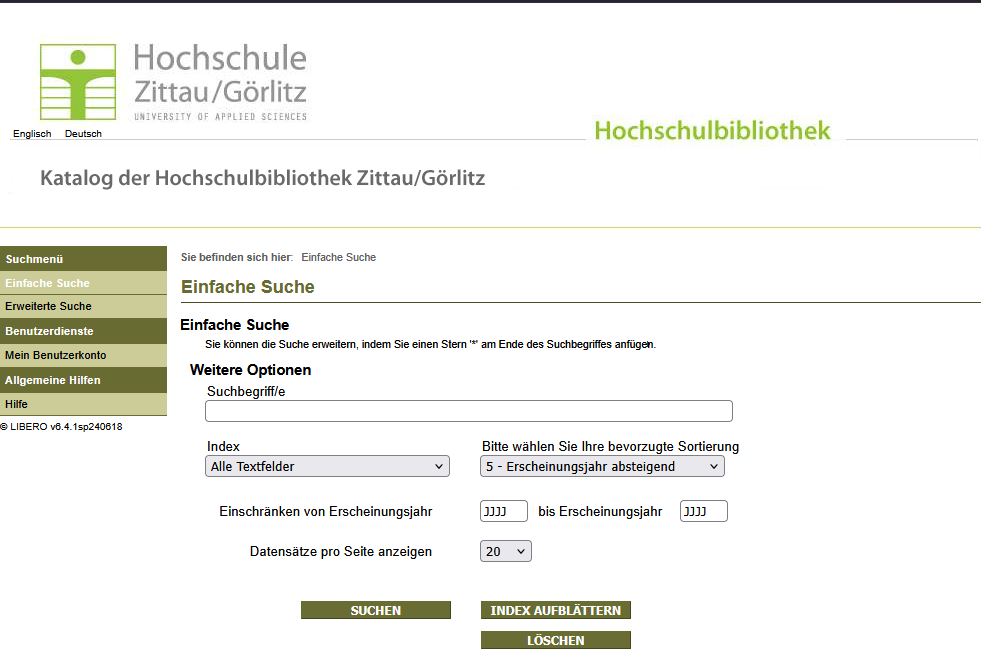
Given the current circumstances, we’d like to offer you a few tips for searching the WebOPAC, since it works differently from the familiar library catalog.
1. What can I find there?
In the WebOPAC, you’ll find all print materials as well as licensed e-books. If you’re looking for articles, you can use our databases. For more information, see HSB – Electronic Resources. The good place to search for e-journals is the Electronic Journals Library.
2. How do I find the link to the e-book?
E-books can be accessed via the web link in the catalog record.
3. What should I keep in mind when searching?
Unlike the familiar catalog, the WebOPAC does not use search engine technology. This means it searches only for the EXACT text you enter. Similar results are not displayed.
Therefore, it is important to use precise keywords and take advantage of truncation.
Possible truncations include:
- An asterisk (*) can replace 0 or more characters within a word or at the end; for example, “Psycholog*” finds Psychology, psychologist, psychological.
- A question mark (?) serves as a substitute for a character WITHIN a word, e.g., Mi?rosensor finds: Mikrosensor and Microsensor
If multiple words are entered, the system always inserts a logical AND between each term. For example, if you enter COMPUTER MICROSOFT, only records containing both COMPUTER and MICROSOFT will be listed.
To combine multiple words, the following operators can be used:
AND narrowsthe search. Displays only results in which all linked terms appear (intersection).
OR / OR broadensthe search. Displays results that contain at least one of the terms (or both). Ideal for synonyms or alternative spellings.
NOT excludes specific terms. Results containing this term are ignored.
If you have any questions about conducting a search, you can always contact the HSB staff.