
New in the library: Scanzelt
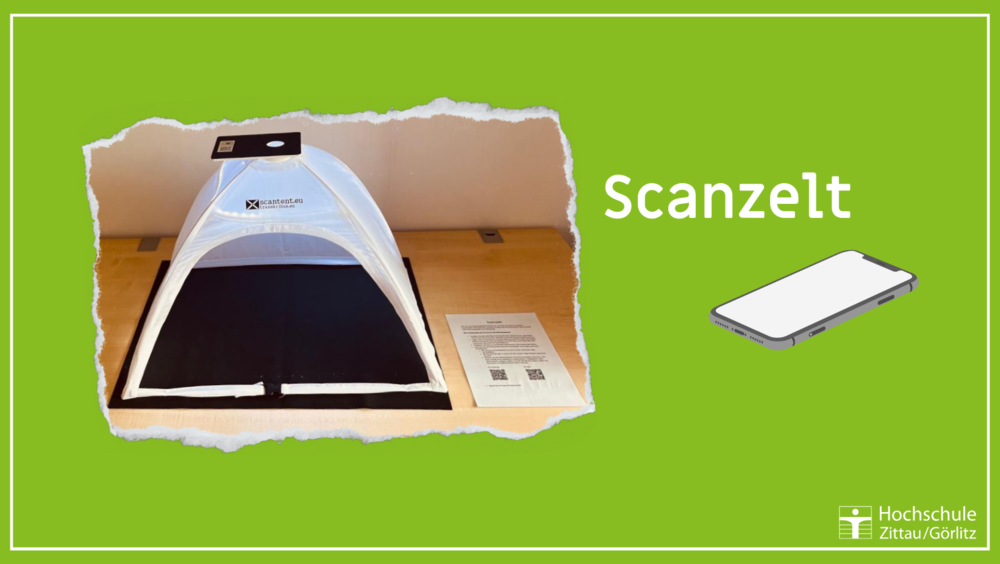
You can now use a scan tent at HSB Zittau to scan documents with your own smartphone.
Download any scanning app onto your smartphone (e.g. DocScan, available from the Google Play Store or the Apple App Store). Connect the scanner to the power supply via USB (socket on the table) and place the smartphone on the shelf on the tent so that the camera is pointing downwards in the middle. You can now use the app to scan and edit your document and save it as a PDF.
The scan tent is located on a height-adjustable table next to the group study room (glass box) on the upper floor of the Zittau University Library.